




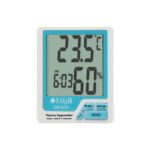
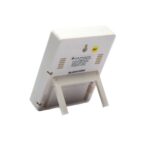
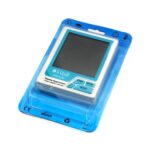

- ‘Mode’ Botton
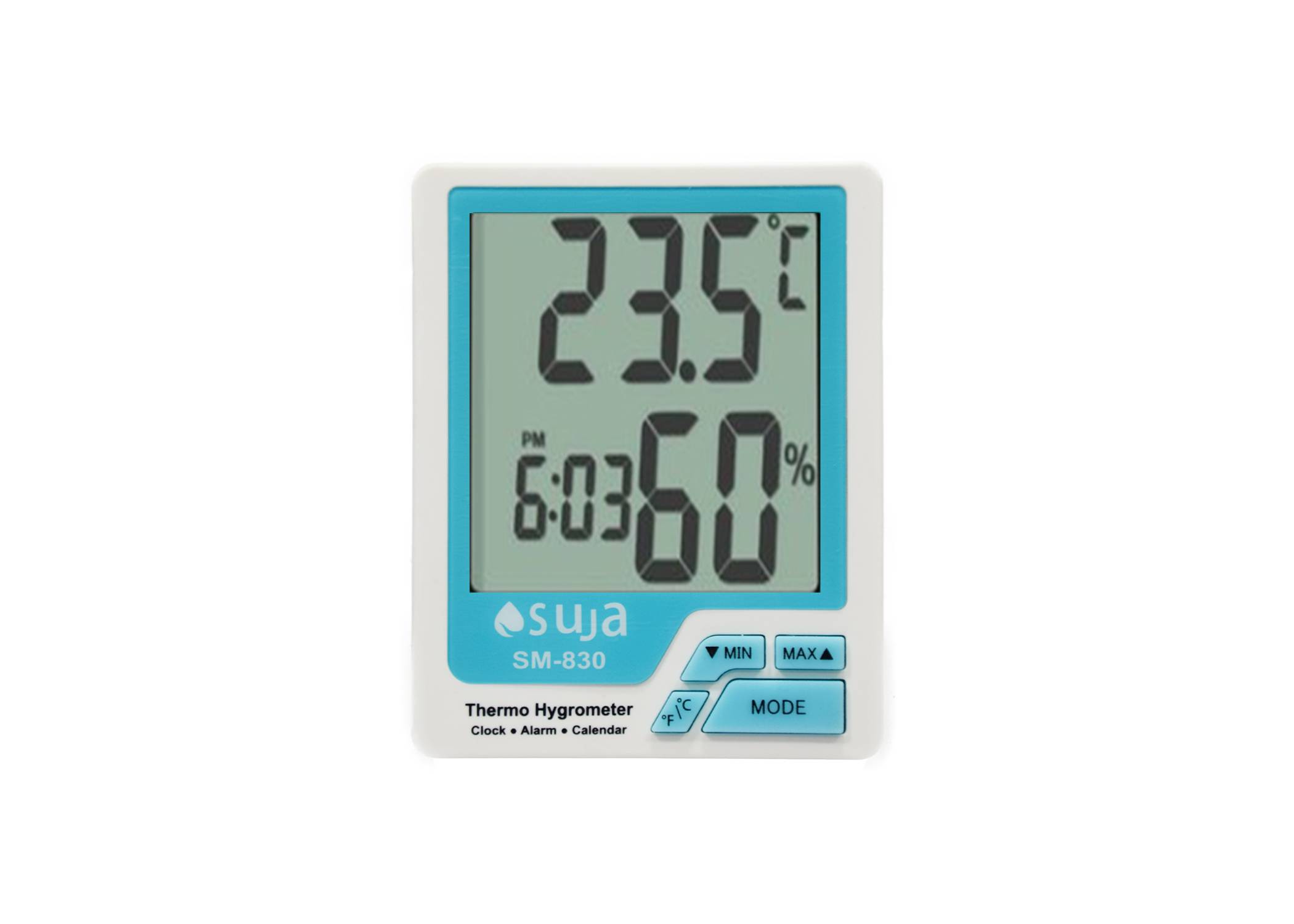
- Press ‘Mode’ button once, indoor humidity and temperature will be switched.
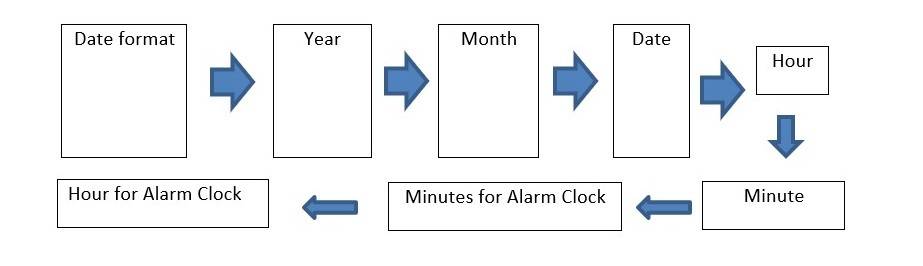
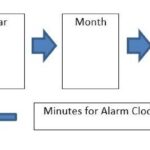
- Press ‘Mode’ continuously, the meter enters into the mode for date format setting
- Press ‘min’ ‘max’ to select format
- Press “C/F” to confirm setting format setting and exit.
- Under this mode, press “Mode” once to set following function one after one.
- “C/F” Button:under measuring mode,press this button once to select temperature unit,press this button continuously to power on/off the alarm clock
- “Min” Button : under measuring mode, press this button , the matter will display the main value.
- ‘Max” Button : under measuring mode, press this button,t he meter will display the Max value.

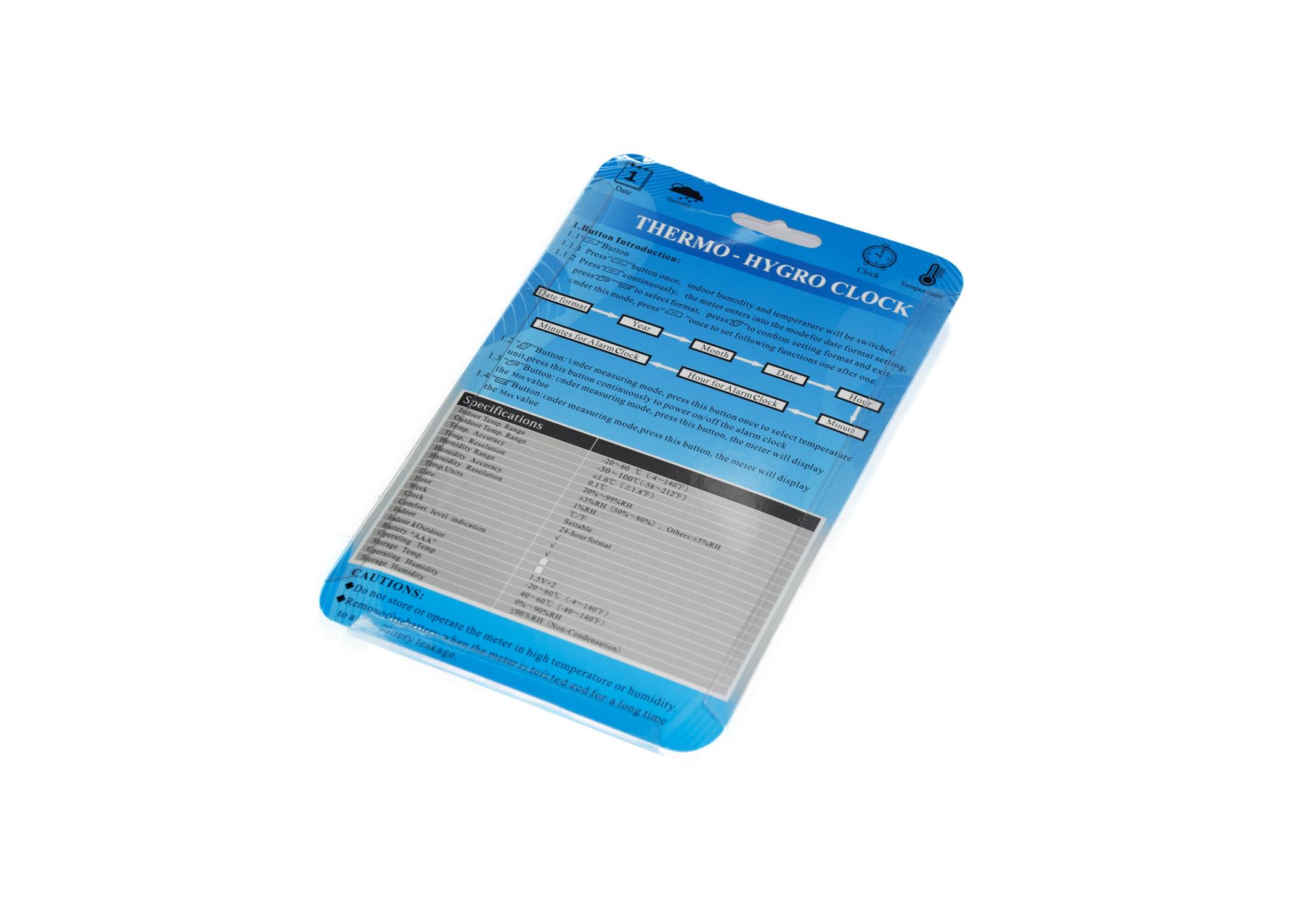
| Specification | |
| Indoor Temp. Range | -20~60 °C (-4~140°F) |
| Out Door Temp. Range | -50 ~100 °C (-58~212°F) |
| Temp. Accuracy | +1.0 °C |
| Temp. Resolution | 0.1°C |
| Humidity Range | 20%~99% RH |
| Humidity Accuracy | +3%RH (50%~80%) , Others: +5%RH |
| Humidity Resolution | 1%RH |
| Temp. Units | °C/°F |
| Date | Settable |
| Hour | 24-Hours Format |
| Week | Yes |
| Clock | Yes |
| Comfort Level Indication | Yes |
| Outdoor | Yes |
| Indoor & Outdoor | Yes |
| Battery “AAA” | 1.5V x 2 |
| Operating Temp | -20~60 °C (-4~140°F) |
| Storage Temp | 40~60 °C (-4~140°F) |
| Operating Humidity | 0%~90% RH |
| Storage Humidity | ≤90% RH (Non- Condensation) |

CAUTIONS :
- Don’t store operate the matter in high temperature or humidity.
- Remove the battery when the matter is to be stored for a long time to avoid battery leakage.







Reviews
There are no reviews yet.